Introduction
Customers expect quick responses when they contact a business. Whether they want product information, pricing details, order updates, or technical assistance, delayed replies can affect customer satisfaction and sales.
Managing every conversation manually on WhatsApp can become challenging, especially when a business receives hundreds of customer messages daily. This is where an AI chatbot for WhatsApp Business makes a difference.
It helps businesses automate customer conversations, answer frequently asked questions, qualify leads, share product information, and provide round-the-clock support. Instead of relying entirely on manual replies, businesses can use AI-powered automation to manage conversations more efficiently.
In this guide, we will explore how to use an AI chatbot for WhatsApp Business, its key features, practical applications, and how to choose the right WhatsApp chatbot platform.
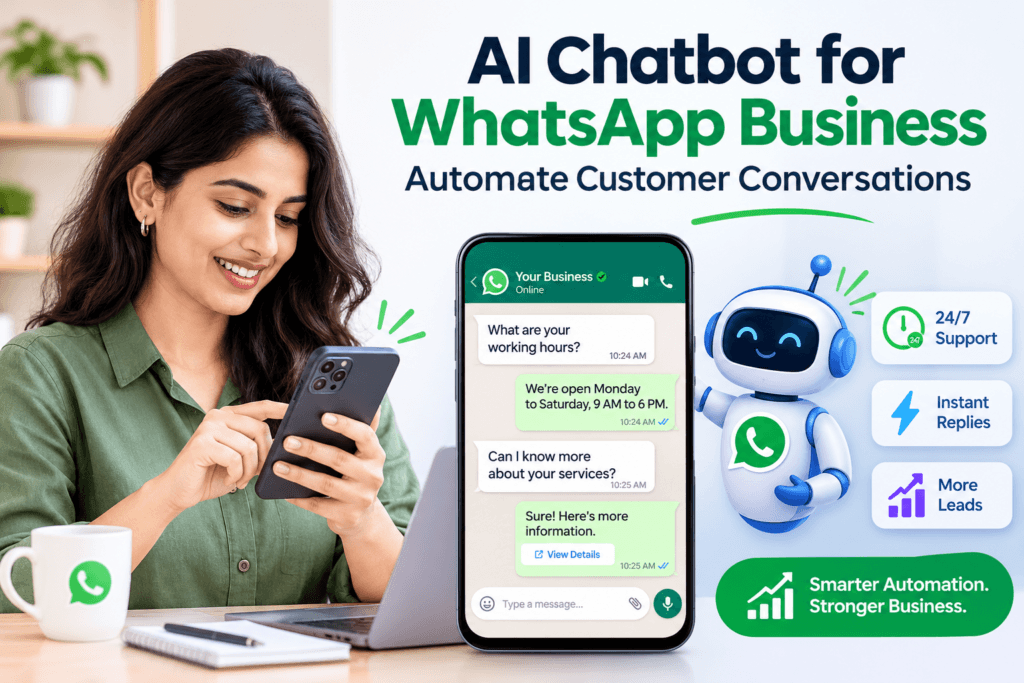
What Is an AI Chatbot for WhatsApp Business?
An AI chatbot for WhatsApp Business is an automated conversational assistant that interacts with customers through WhatsApp. It uses artificial intelligence and natural language processing (NLP) to understand customer questions and provide relevant responses.
Unlike traditional rule-based chatbots that follow predefined conversation flows, AI chatbots can understand different ways of asking the same question and respond based on the available business information.
For example, when a customer asks, “What are your working hours?” or “Are you open today?”, the chatbot can understand the intent and provide the appropriate answer.
Businesses can use WhatsApp AI chatbots to:
- Answer customer queries automatically.
- Share product details, prices, and service information.
- Collect customer information and qualify leads.
- Send appointment confirmations and reminders.
- Provide order and delivery updates.
- Connect customers with human support agents when required.
How Does an AI Chatbot for WhatsApp Business Work?
An AI chatbot works by connecting a business’s WhatsApp account with an automation platform through the WhatsApp Business Platform (API).
The chatbot receives incoming messages, identifies the customer’s intent, and generates a relevant response using its configured knowledge base, instructions, and AI capabilities.
The basic process involves the following steps:
- Customer sends a message: A customer contacts the business through WhatsApp.
- AI understands the query: The chatbot analyses the message and identifies what the customer needs.
- Relevant information is retrieved: It uses configured business information to find an appropriate answer.
- Automated response is generated: The chatbot responds instantly with relevant information.
- Conversation continues: It answers follow-up questions or transfers the conversation to a human agent when necessary.
Note: WhatsApp Business API messaging rules, customer opt-in requirements, and approved message templates apply to relevant business-initiated communications.
How to Use an AI Chatbot for WhatsApp Business to Automate Customer Conversations
Implementing an AI chatbot does not have to be complicated. Follow these steps to automate customer interactions effectively.
1. Choose the Right WhatsApp Chatbot Platform
Start by selecting a WhatsApp chatbot platform that supports AI-powered conversations and business automation.
Look for features such as:
- WhatsApp Business API integration.
- AI-powered chatbot capabilities.
- No-code chatbot builder.
- Automated customer responses.
- Lead management and qualification.
- Live agent handover.
- Analytics and conversation tracking.
2. Connect Your WhatsApp Business Account
Once you select a platform, connect your business number through the supported WhatsApp Business Platform integration.
This allows the chatbot to receive incoming messages and send automated responses through your business account.
Make sure your WhatsApp Business setup meets Meta’s requirements and that your business has the necessary permissions.
3. Train the AI Chatbot with Business Information
Your chatbot needs accurate information to answer customer questions effectively.
Add relevant business information, including:
- Company details and business hours.
- Product and service descriptions.
- Pricing and payment information.
- Shipping, delivery, and return policies.
- Frequently asked questions.
- Customer support guidelines.
The more relevant and up-to-date the information, the better the chatbot can handle customer conversations.
4. Set Up Automated Replies and Conversation Flows
Configure automated responses for common customer queries. For example, when someone asks about pricing, the chatbot can share product details and available plans.
You can create conversation flows for:
- Product enquiries.
- Booking appointments.
- Order tracking.
- Service requests.
- Customer feedback.
- Sales enquiries.
An AI chatbot can also work alongside an autoresponder for WhatsApp Business to send greeting messages, away messages, and predefined replies.
5. Enable Human Handover for Complex Queries
Not every customer query can be resolved automatically. Some conversations require personal attention from a sales representative or support agent.
Set up human handover so customers can connect with your team whenever they need additional assistance.
This creates a balance between automated support and personalised customer service.
6. Test and Optimise Chatbot Performance
Before making your chatbot available to customers, test it with different questions and conversation scenarios.
Check whether it:
- Understands customer intent correctly.
- Provides accurate information.
- Handles follow-up questions.
- Recognises queries it cannot answer.
- Transfers complex conversations to human agents.
Review chatbot performance regularly and update its knowledge base whenever your products, services, or policies change.
Key Benefits of Using an AI Chatbot for WhatsApp Business
An AI chatbot can do more than send automated replies. It helps businesses improve customer communication, reduce repetitive tasks, and manage conversations at scale.
1. 24/7 Customer Support
Customers may contact your business outside regular working hours. An AI chatbot can respond to common questions at any time, ensuring customers receive assistance even when your team is unavailable.
2. Faster Response Times
Customers do not have to wait for a support representative to answer basic questions. The chatbot provides instant responses, helping businesses manage multiple conversations simultaneously.
3. Better Lead Generation and Qualification
An AI chatbot can ask potential customers about their requirements, budget, preferences, and interests. It can collect relevant information and identify qualified leads for your sales team.
4. Reduced Customer Support Workload
Businesses often receive repetitive questions about pricing, availability, delivery, and services. Automating these queries allows support teams to focus on more complex customer requirements.
5. Improved Customer Engagement
AI-powered conversations make it easier for customers to discover products, explore services, receive recommendations, and get personalised assistance through WhatsApp.
AI Chatbot vs. Autoresponder for WhatsApp Business: What’s the Difference?
Both tools help businesses automate customer communication, but they serve different purposes.
| Feature | WhatsApp Autoresponder | AI Chatbot |
|---|---|---|
| Responses | Predefined messages | Context-aware AI responses |
| Customer queries | Handles basic queries | Handles varied questions |
| Personalisation | Limited | More flexible |
| Conversation flow | Fixed triggers | Can adapt to conversation context |
| Lead qualification | Basic | Can ask qualifying questions |
| Follow-up questions | Limited | Can understand and respond to follow-ups |
| Best for | Greeting and away messages | Customer support, sales and engagement |
Which one should you choose?
An autoresponder for WhatsApp Business is suitable for sending basic automatic replies, such as greeting messages and out-of-office notifications.
An AI chatbot is more suitable for businesses that want to manage complete customer conversations, answer detailed questions, qualify leads, and automate customer support.
Businesses can also combine both solutions to create a more effective communication system.
Practical Use Cases of WhatsApp AI Chatbots Across Industries
AI chatbots can support businesses across different industries by automating repetitive conversations and providing faster customer assistance.
| Industry | How AI Chatbots Help |
|---|---|
| E-commerce | Share product information, recommend products, and provide order updates. |
| Healthcare | Manage appointment enquiries, share clinic information, and send reminders. |
| Real Estate | Share property details, qualify potential buyers, and schedule site visits. |
| Education | Answer admission enquiries, share course details, and provide application information. |
| Automobile | Help dealerships and service centres manage enquiries, maintenance reminders, and customer support. |
| Travel and Hospitality | Share booking information, answer travel queries, and provide reservation assistance. |
How to Choose the Best WhatsApp Chatbot Platform for Your Business
Selecting the right WhatsApp chatbot platform is important for building an effective automation strategy.
Here are some essential features to consider before choosing a platform.
1. AI-Powered Conversations: Choose a platform that understands natural language and responds to customer questions based on relevant business information.
2. Easy Integration: Ensure the platform supports WhatsApp Business API integration and can connect with your existing business tools.
3. No-Code Chatbot Builder: A no-code interface makes it easier to create chatbot workflows without technical expertise.
4. Human Agent Handover: Look for the ability to transfer conversations to human agents whenever customers need additional assistance.
5. Lead Management: The platform should help collect customer information, identify potential leads, and support sales follow-ups.
6. Analytics and Reporting: Conversation reports and performance insights help businesses identify customer behaviour and improve chatbot responses.
7. Scalability: Choose a solution that can handle increasing message volumes and changing business requirements as your company grows.
Frequently Asked Questions (FAQs)
1. What is an AI chatbot for WhatsApp Business?
An AI chatbot for WhatsApp Business is an automated assistant that uses artificial intelligence to understand customer queries and provide relevant responses. It helps businesses automate customer support, sales enquiries, and everyday conversations.
2. Can I automate WhatsApp Business replies?
Yes. Businesses can automate WhatsApp replies using greeting messages, away messages, predefined responses, and AI-powered chatbots. These features help manage customer enquiries without manually responding to every message.
3. What is the difference between a WhatsApp autoresponder and a chatbot?
A WhatsApp autoresponder sends predefined messages based on specific triggers, while an AI chatbot understands customer questions and generates relevant responses based on the conversation and available business information.
4. Do I need WhatsApp Business API to use an AI chatbot?
Most advanced third-party AI chatbot platforms require integration with the WhatsApp Business Platform (API). Basic automatic replies are also available through the WhatsApp Business app, but advanced conversational automation generally requires a platform integration.
5. Can a WhatsApp AI chatbot generate leads?
Yes. A WhatsApp AI chatbot can ask qualifying questions, collect contact information, understand customer requirements, share relevant product details, and help businesses identify potential leads.
6. Which is the best WhatsApp chatbot platform for businesses?
The best platform depends on your business requirements, automation needs, integrations, AI capabilities, pricing, and scalability. Look for a solution that offers AI-powered conversations, lead management, automated responses, and human agent handover.
7. Can an AI chatbot handle multiple WhatsApp conversations simultaneously?
Yes. An AI chatbot integrated with the WhatsApp Business Platform can handle multiple customer conversations simultaneously, subject to the platform’s capacity and applicable WhatsApp messaging limits.